Estimated times on common tasks
Test shops with 5,000 products; the back office varies with the hosting and the modules.
| Task | Back office | One Shop Manager |
|---|---|---|
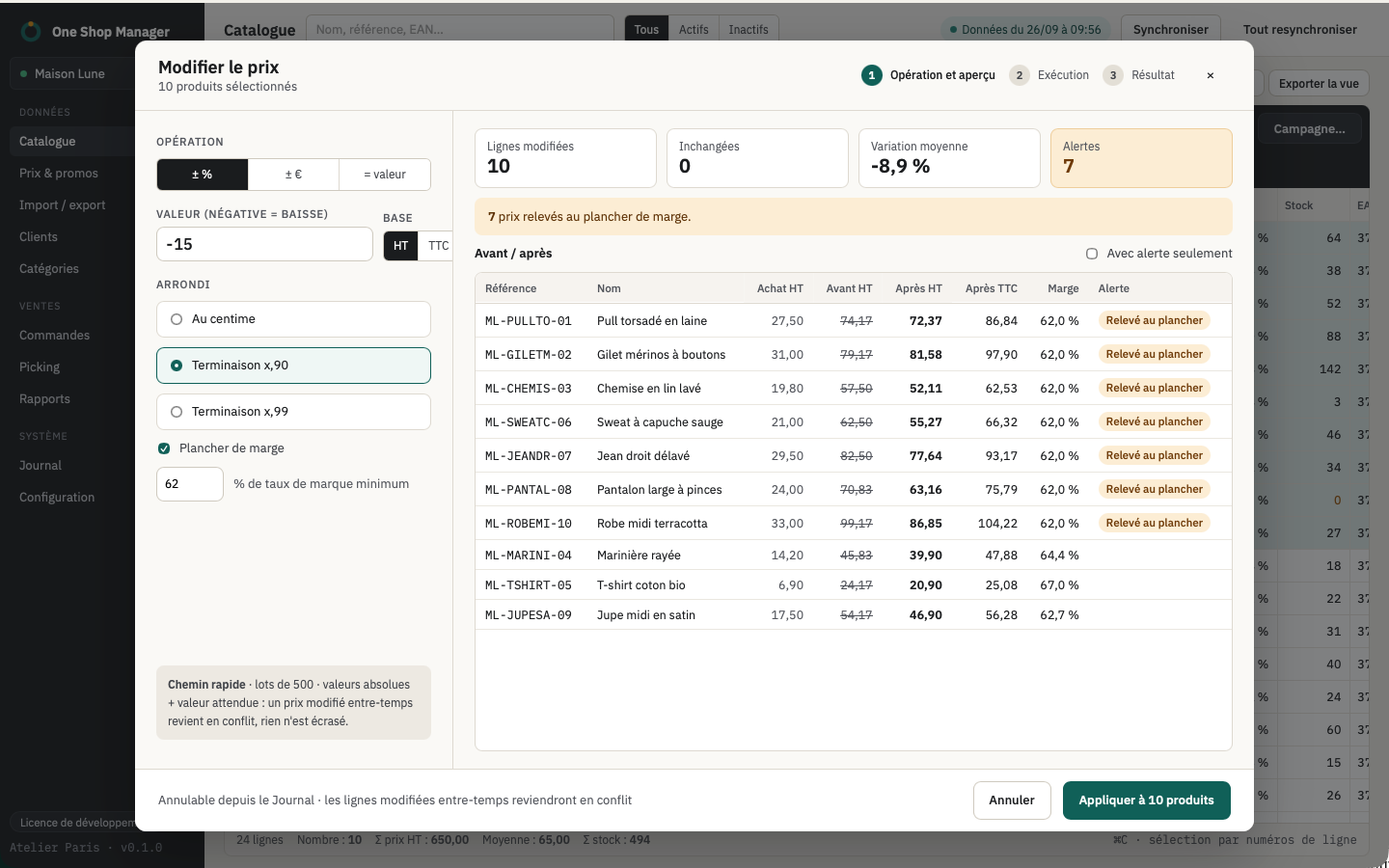
| Change the price of 500 products | 2 h | 1 min |
| Paste 80 tracking numbers and set the orders to "Shipped" | 45 min | 2 min |
| Create 120 size × color combinations | 1 h 30 min | 5 min |
| Find active products with no stock or no image | 30 min | 3 s |
| Launch a −20% promotion on a category, with dates | 30 min | 2 min |
| Print 40 delivery slips | 20 min | 1 min |
| Total | 5 h 35 min | 11 min |
What the back office does not do
- Bulk edit any field with a before/after preview and an undo.
- Paste cells from a spreadsheet, fill down, select by a list of references.
- Spot in one click the products with no EAN, with no purchase price, priced below the purchase price or duplicated.
- Pick orders with a barcode scanner and locks between pickers.
- Work offline.
What stays in the back office
Shop configuration, modules, theme, carriers, payment methods, CMS pages. One Shop Manager does not replace the back office: it is installed alongside it, with the free psmanager module.