Multiple shops
- One license covers 3 shops (local or test shops are not counted). Beyond that, agencies and store networks: on quote, write to contact@oneshopmanager.com.
- One profile per shop, each with its own settings; the dashboard and the data are specific to each shop.
- Profile exportable to another computer, encrypted with a password of your choice.
- The native multistore mode of a single PrestaShop installation is not supported in this version: each shop is a separate installation.
Multiple computers
- 3 computers per license, more on quote; a computer can be released from the customer area to activate another one.
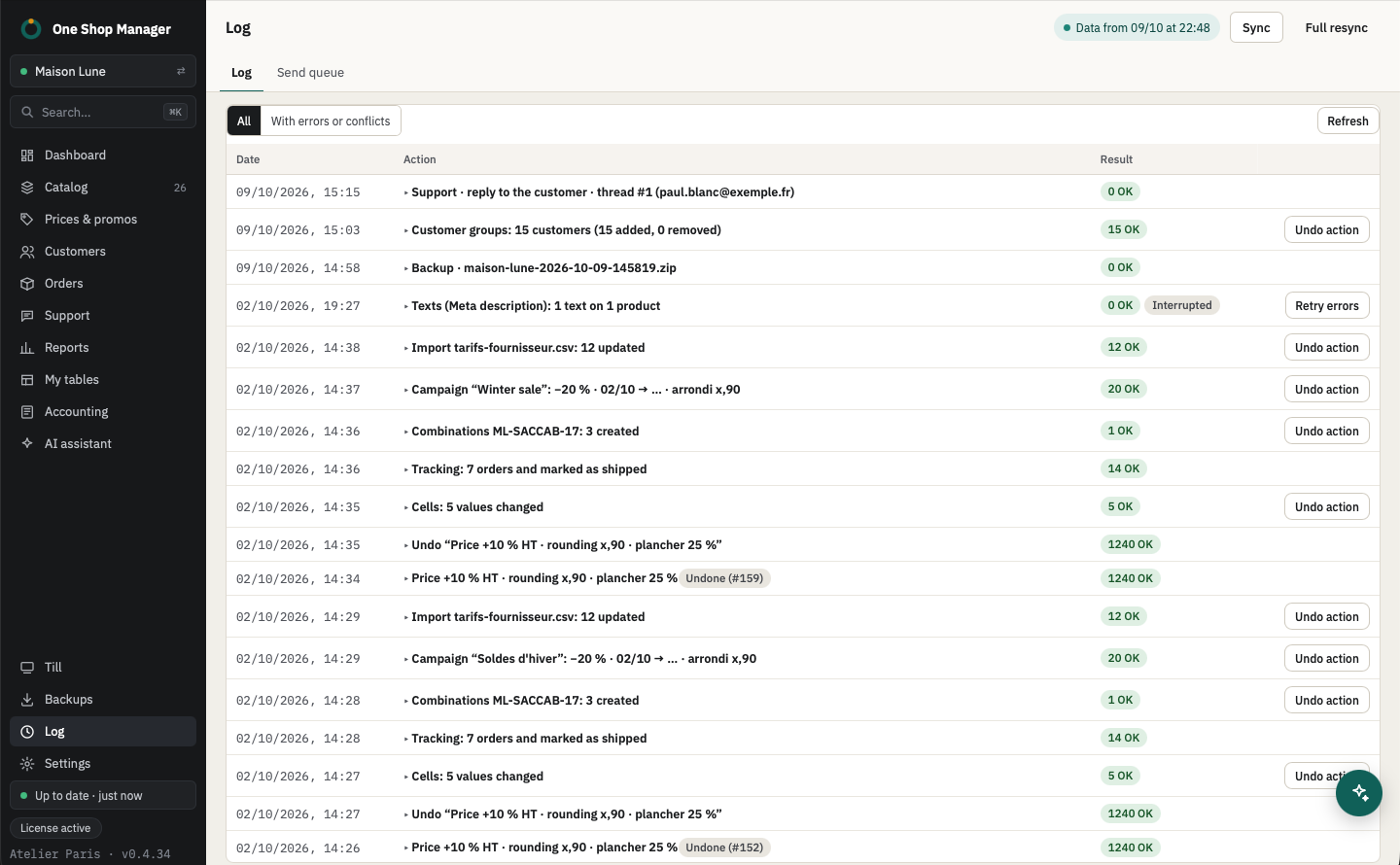
- Each computer has a name, shown in the log and on the orders it is picking (picking locks).
Sync and offline
- First opening: full copy of the catalog, the orders and the customers.
- After that: differential sync, on opening and every 15 minutes, catalog then sales.
- Offline: the application opens on the local data; changes accumulate in the send queue, visible in the sidebar, and are sent when the connection returns.
Security
- The shop's API keys and passwords in the macOS Keychain or the Windows Credential Manager, never in plain text on the disk.
- No catalog, order or customer data goes through a third-party server; only the license check contacts the One Shop Manager server. The built-in AI assistant is the exception, for what is needed for the question asked.
Frequently asked questions
How many shops does one license cover?
3 shops on 3 computers (local or test shops are not counted). Beyond that, pricing is on quote.
What happens if I edit products without a connection?
The changes stay in the send queue and are written to the shop as soon as the connection returns. In case of a conflict (product changed in the meantime on the shop), the line is flagged to you.