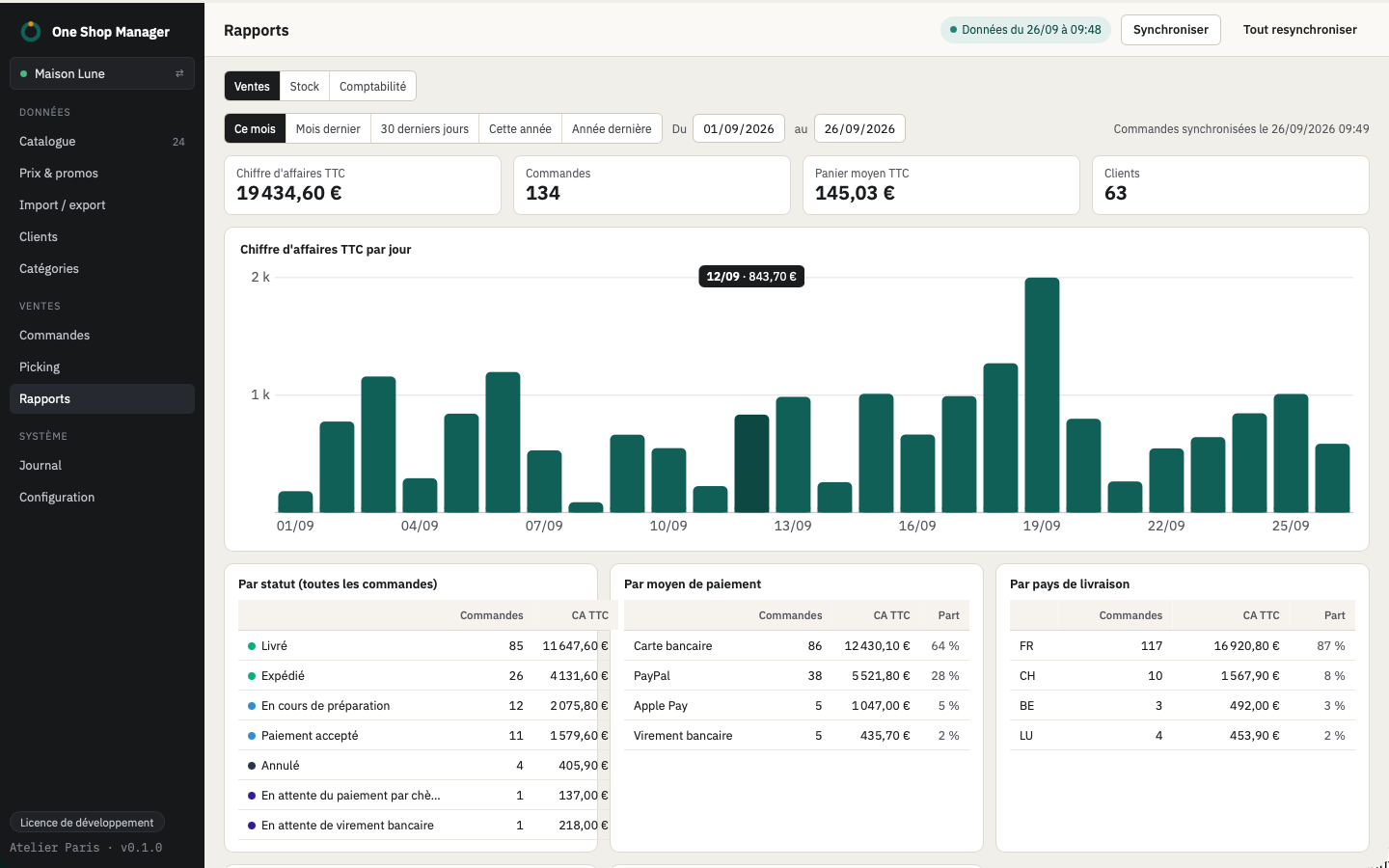
Dashboard
- Revenue incl. VAT over the chosen period: today, 7 days, 30 days, 90 days or 12 months, compared to the previous period, with a day-by-day curve.
- Orders, average cart, customers and orders to pick.
- Sync status (catalog, sales, send queue).
- "Catalog to review": number of products per check (stock, cost price, EAN, photos, descriptions, categories, duplicates), one click opens the list.
Reports
| Report | Contents |
|---|---|
| Sales | Revenue by period and by product |
| Stock | Stock status and value |
| Restock | Sales of the period compared with the remaining stock |
| Dormant products | Products in stock that no longer sell |
Accounting exports
- Invoices, credit slips and payments of a period.
- Formats: FEC, CSV, Sage, EBP, Pennylane.
- Documents of the period kept in cache; the current period is re-read regularly.
Frequently asked questions
Do the reports slow down the shop?
No. They are calculated on the local copy of the orders; the shop is not called.
Which accounting software is supported?
FEC export (the French legal format) and CSV, as well as formats ready for Sage, EBP and Pennylane.